
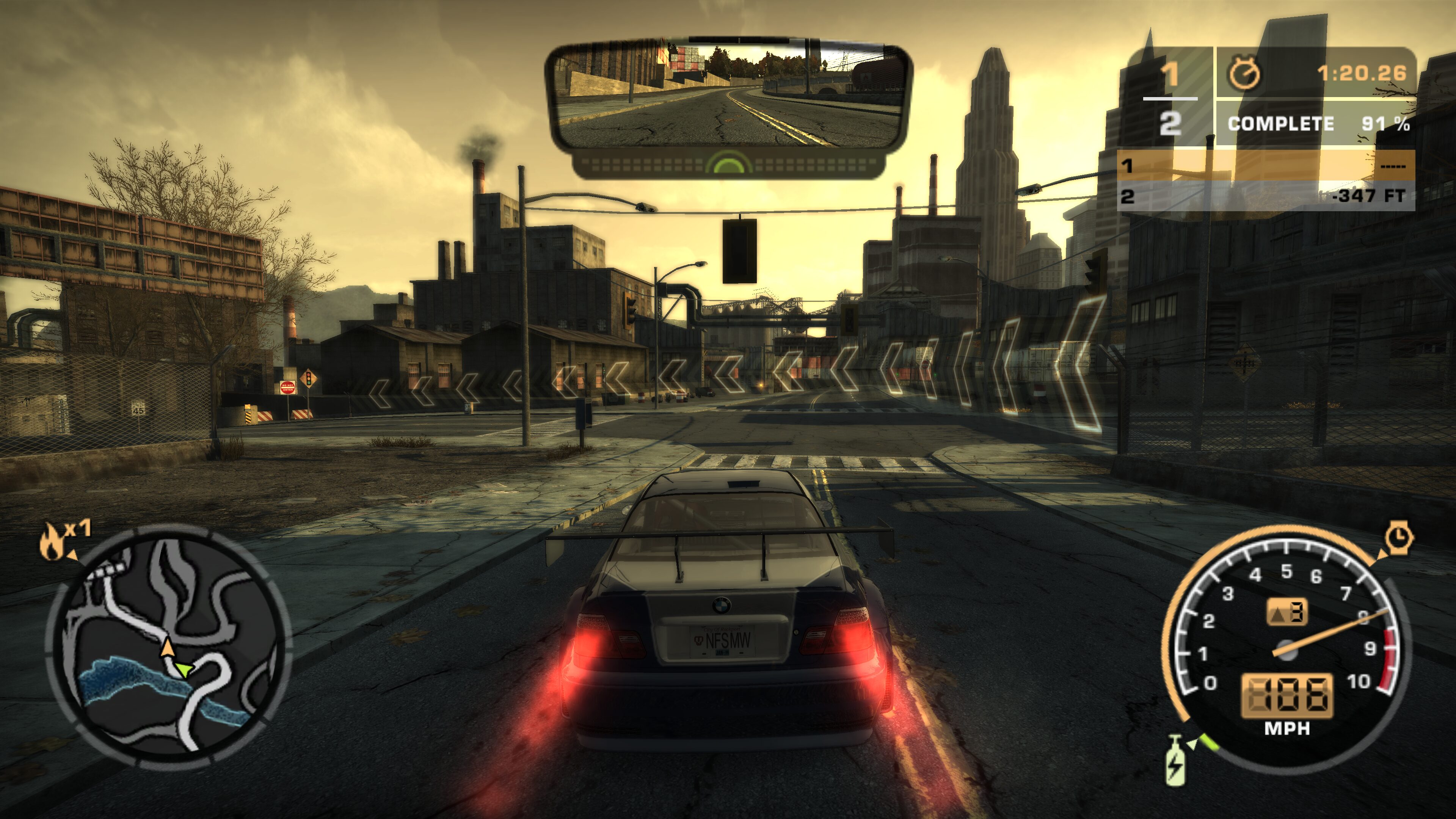
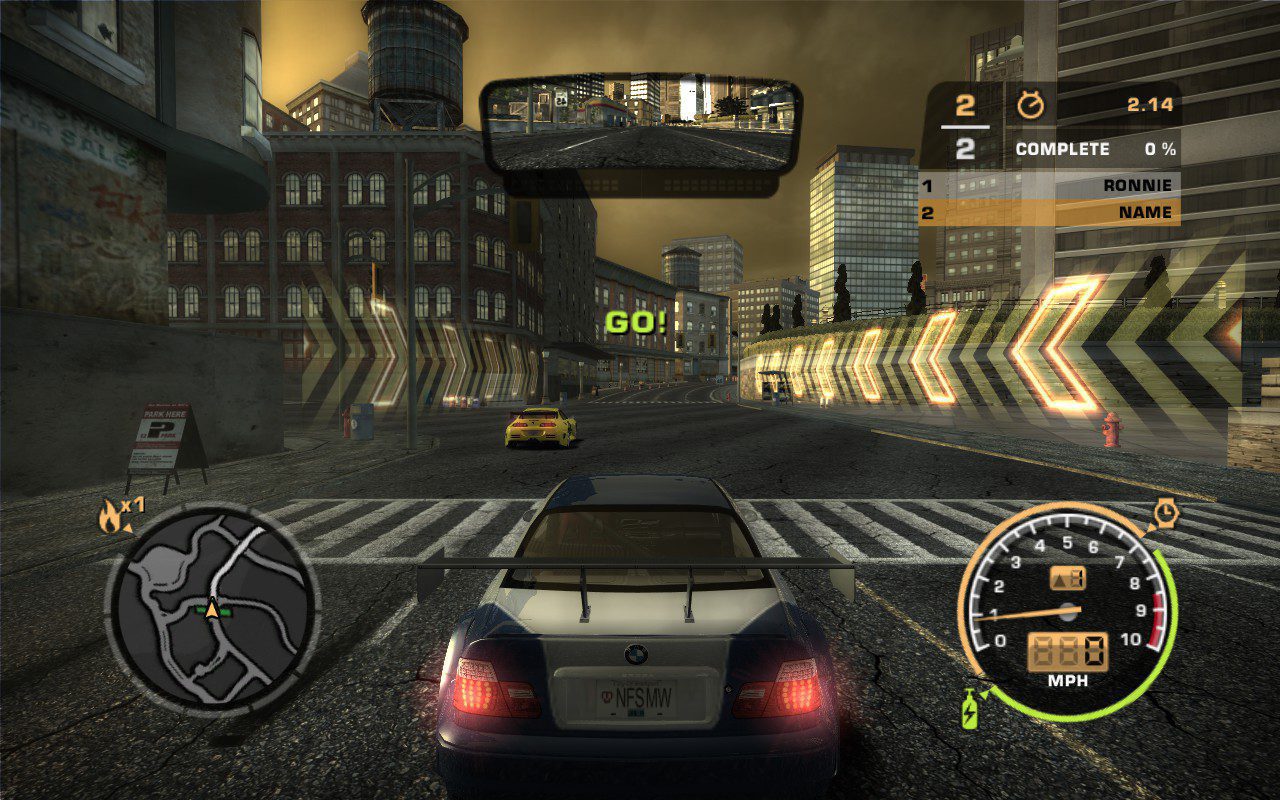
If you’d like to return to the iconic Need for Speed Most Wanted (2005) on PC or Steam Deck, I’ve prepared two ready-made mod packs that significantly improve gameplay comfort and graphical quality. In addition to prettier textures, you’ll find widescreen support, improved lighting, compatibility with the most popular gamepads, and much more. It’s still the same game with the same artistic style—just presented in a more definitive, refreshed version that makes it a joy to play even today. This isn’t a REDUX-style overhaul that changes the game beyond recognition—it’s more of a “home-made remastered edition.”
I’ve prepared two mod packs: a basic edition that works on any system, with low requirements and very high stability and an advanced edition intended for more powerful PCs. I couldn’t get the latter running on Steam Deck—most likely due to AMD GPU compatibility issues (I don’t have one in my desktop PC, but it definitely works on Intel GPUs).
Below you’ll find more details along with a very simple installation process.
IMPORTANT
To work correctly, you need Need for Speed Most Wanted version 1.3.
I tested the packs on the European release (4 CD version) — it should work on any version as long as it’s not a broken RIP from the internet.
During installation, select the language you want to play in to avoid issues with prerendered videos — after installing the mod, the default language is English.
After the first launch, a folder “save/NFS Most Wanted” will be created. Edit the fileSettings.iniinside and changeLanguage=Englishto your desired language (for example: POLISH, FRENCH, GERMAN, ITALIAN, SPANISH).
Save the file, relaunch the game, and everything should work in your chosen language. Remember — the game must be installed in the correct version for the videos to play properly!
IMPORTANT
Save files are stored in the “save/NFS Most Wanted” folder and are NOT COMPATIBLE between the two mod versions. The basic edition should work fine with normal saves, but the premium version will likely report a corrupted profile — you’ll have to start a new game.

Before installation, make a backup of your game files and save data — any modifications are, of course, at your own risk.
Mod Pack for Steam Deck and PC – Basic Edition
Download link for the basic mod pack is available here.
On PC, simply paste the mod pack contents directly into your Need for Speed Most Wanted 1.3 game folder.
For Steam Deck, copy the installed Need for Speed Most Wanted 1.3 folder (with mods applied) to the device via USB, cloud storage, SSH, or SD card. The exact location doesn’t matter. The entire process should be done in Desktop Mode.
You have two launch options:
– via speed.exe – faster startup, no enhanced environment textures
– via Need for Speed Most Wanted.exe – significantly better textures, game startup time is about 2 minutes. It may seem like nothing is happening, but the game is loading in the background — just wait and it will start. Alternative textures mentioned later load in about 40 seconds.
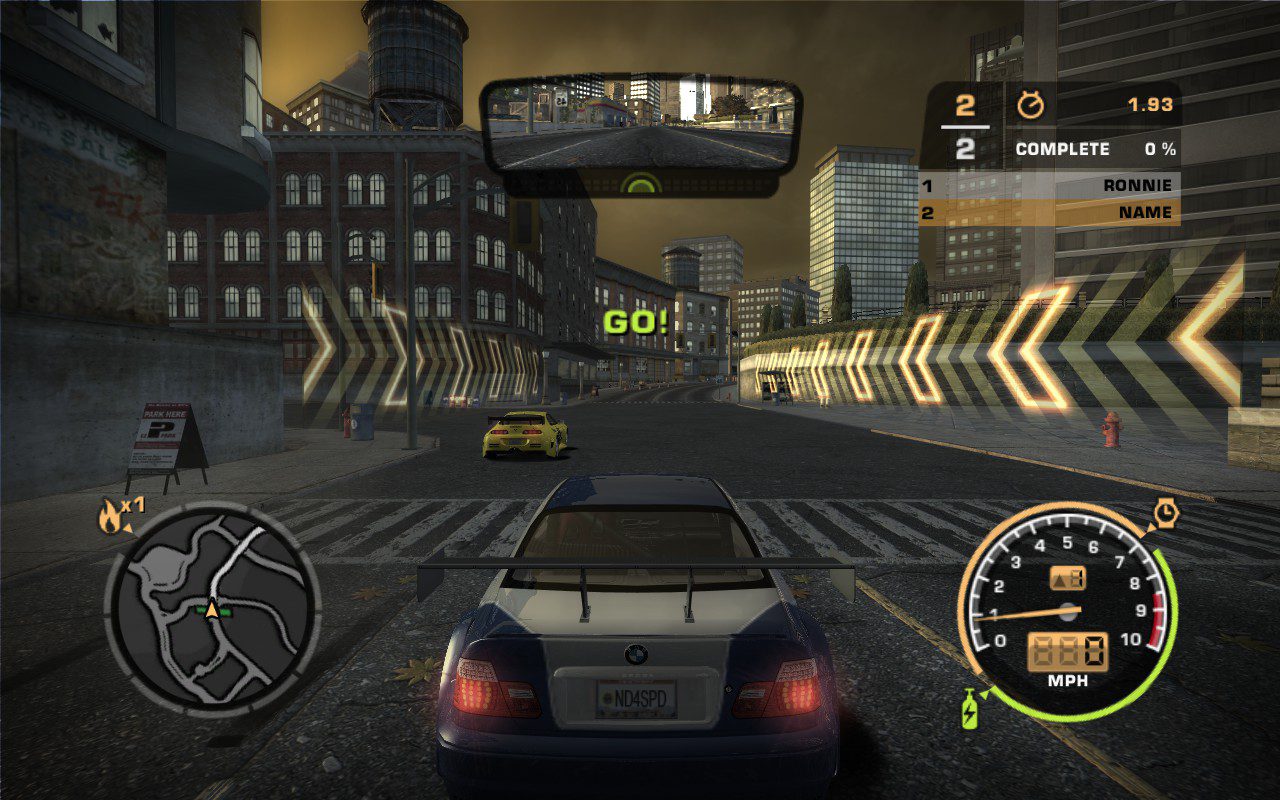
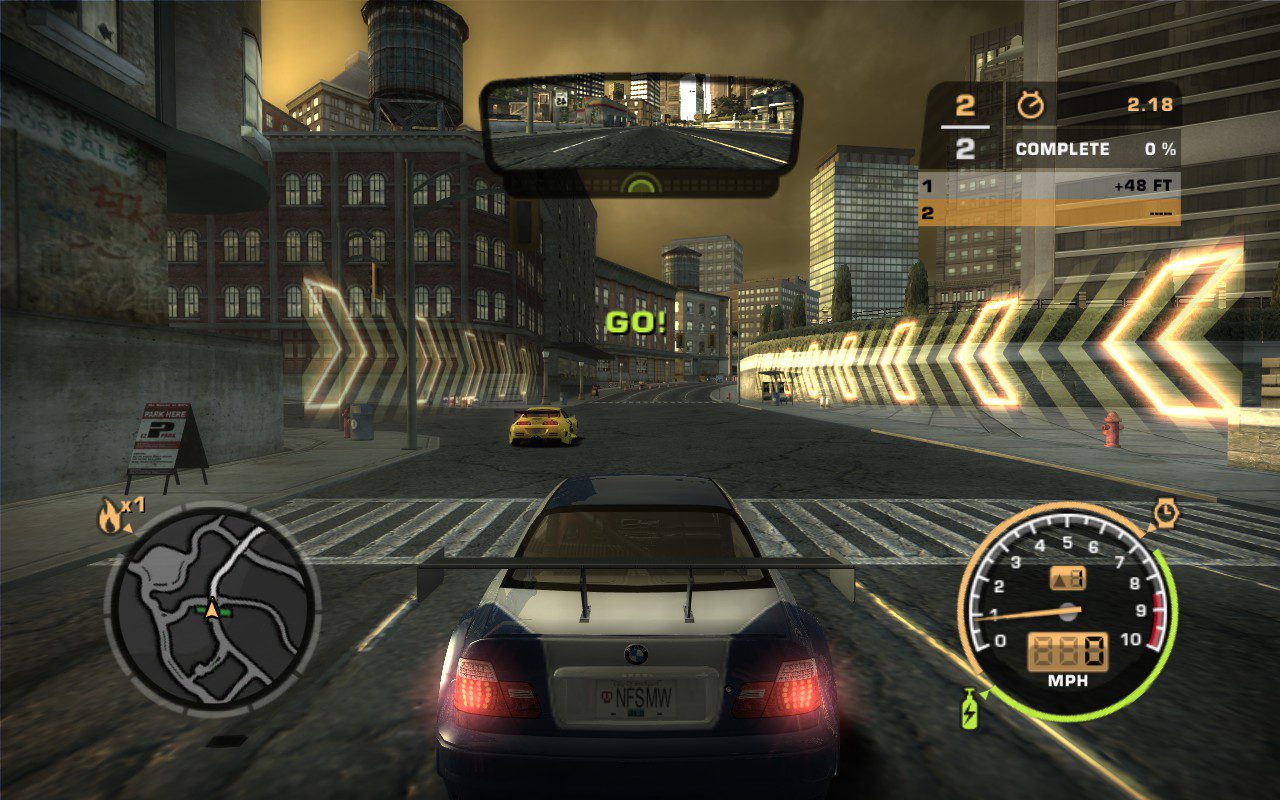
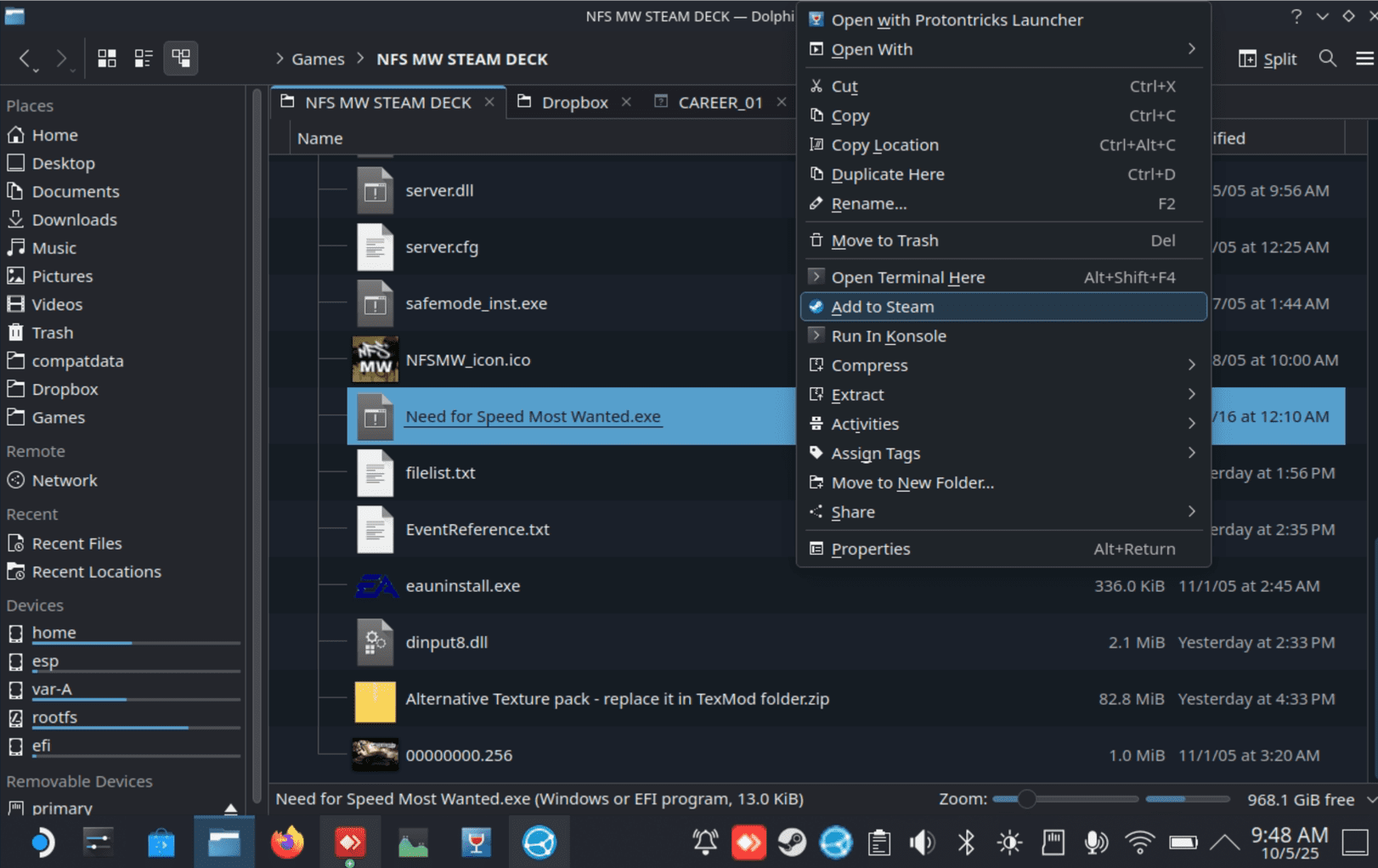
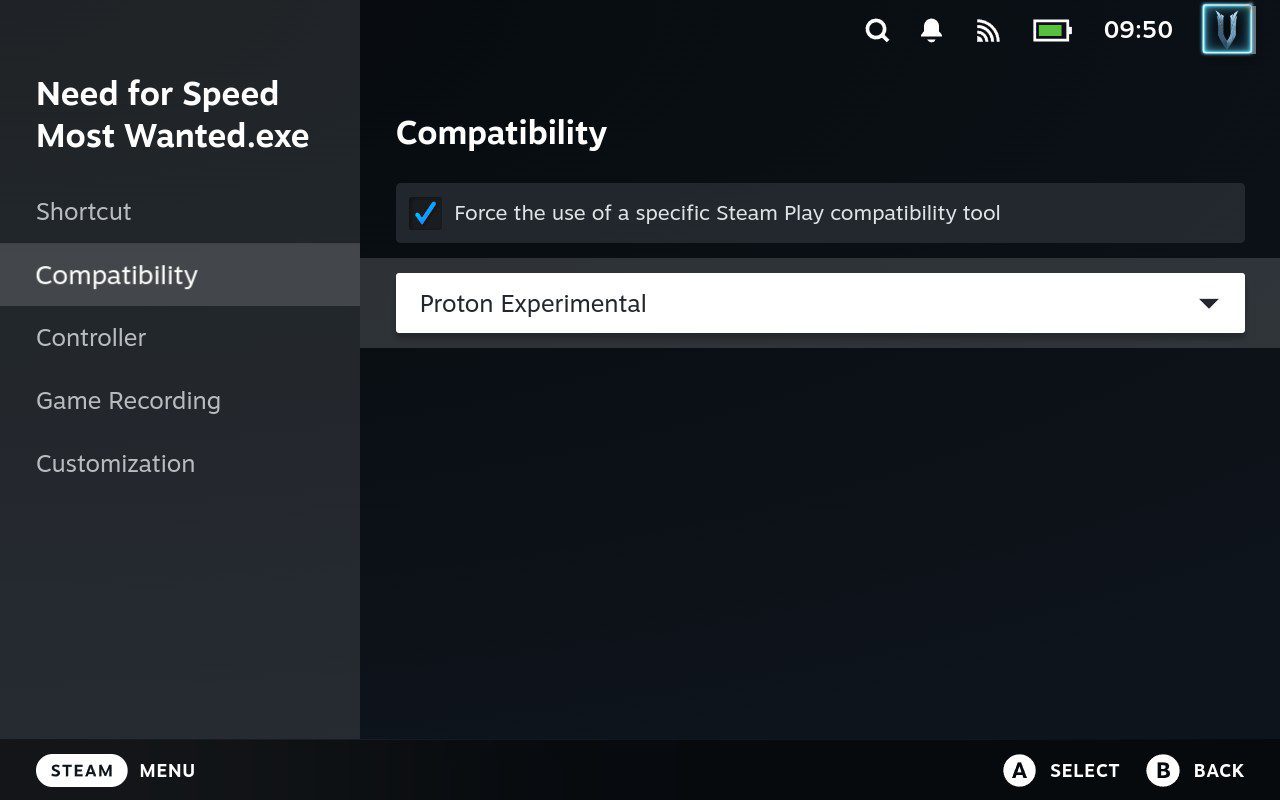
On Steam Deck, right-click one of the above executable files and select “Add to Steam.” Then find the game under “Non-Steam Games” in your library and force it to use Proton Experimental in its properties.
If you don’t like my proposed texture pack (it’s not perfect — for example, I’m not a fan of the sidewalks, though the visuals overall are much improved), you’ll find an alternative in the file “Alternative Texture pack – replace it in TexMod folder.zip”. Simply extract the contents into the TexMod folder and replace the files as instructed.
Then just launch the game — it should run without any problems. On Steam Deck, make sure your gamepad layout profile is active.
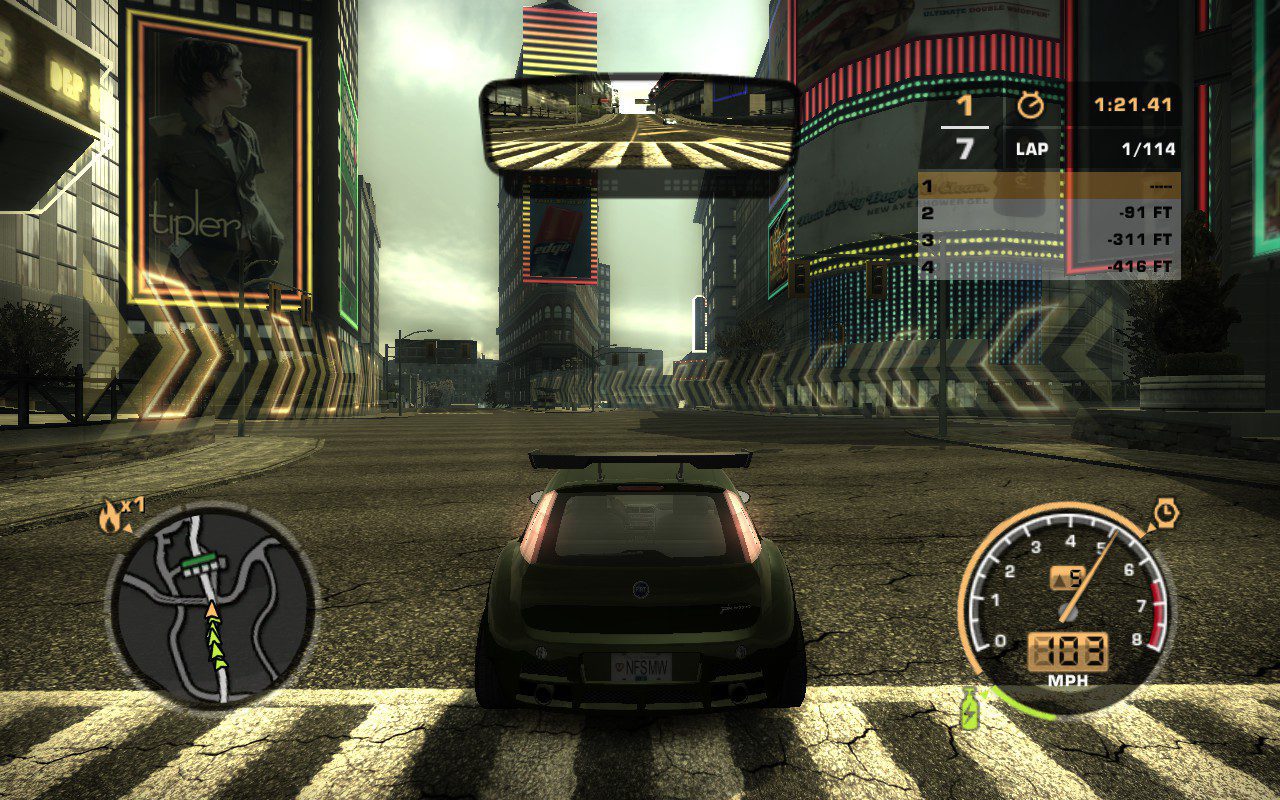
Contents of the Basic Mod Pack
Most elements can be customized via the .ini files located in the Scripts folder.
- NFSMWMotionBlurController – control motion blur (reduced by default, can be adjusted)
- NFSMWHUDAdapter – proper HUD scaling for any resolution
- NFSMWHDReflections – improved reflections on roads and car surfaces
- NFSMWFEShadows – enhanced shadows
- NFSMWExtraOptions – lighting and other visual tweaks
- NFSMostWanted.XboxRainDroplets – adds visible raindrops on screen
- NFS_XtendedInput – full controller support
- NFSMostWanted.WidescreenFix – widescreen support with many options
- Improved traffic vehicle textures
- Improved world textures (when launched via “Need for Speed Most Wanted.exe”)
All files are preconfigured; editing them is completely optional.
Mod Pack for PC – Premium Edition
Download link for the premium mod pack is available here.
This edition looks absolutely stunning — featuring far better textures, beautiful lighting, dynamic shadows, and numerous effects ported from the Xbox 360 version. It’s much more demanding on hardware compared to the standard edition, but on modern Nvidia GPUs it should perform very well.
Installation is simple — just paste the contents of the pack directly into your Need for Speed Most Wanted 1.3 game directory and launch the game using Speed.exe.
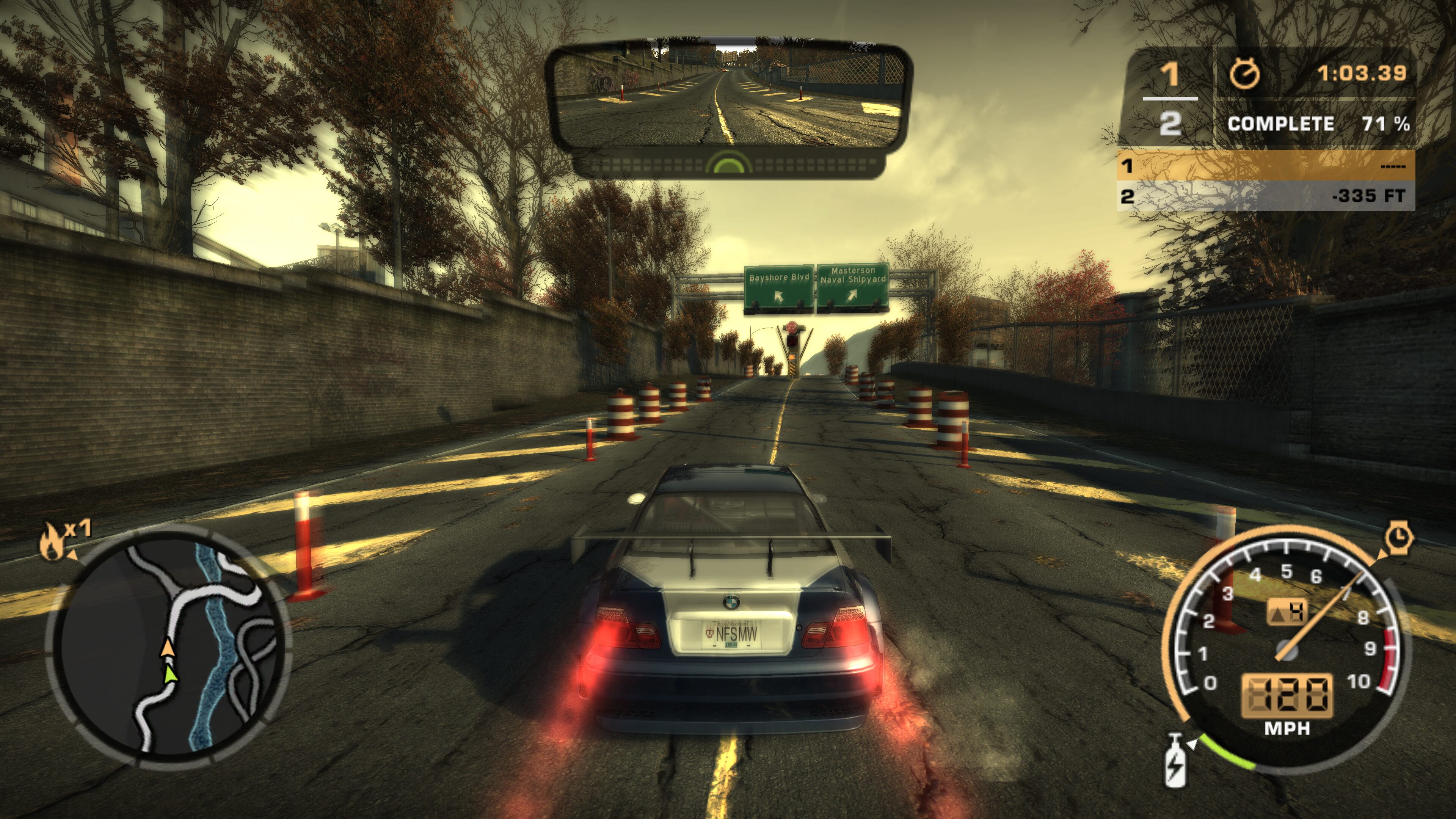
I also tested this pack on an integrated Intel Arc 140V GPU, and for smooth 1200p 60FPS gameplay it required reducing reflection quality and using simpler shaders. After these tweaks, both performance and visuals on the MSI Claw AI+ were excellent — of course, with maximum TDP enabled.
If you encounter performance issues, the pack includes a file named LOWER QUALITY EFFECTS – EXTRACT IN MAIN DIRECTORY WHERE SPEED.EXE IS.zip. Follow the included instructions and extract it into the main directory. The visual difference is noticeable, but it still looks much better than the basic edition.
Fixes for AMD Graphics Cards
For AMD GPUs, the mod creator recommends two potential fixes (I tested them on Steam Deck running SteamOS, but couldn’t get the game to start). Extract the contents of the following archives to your game folder:
- Vulkan DX9 wrapper (if you use this, you’ll need to disable the rear-view mirror in the game!)
- dgVoodoo 2
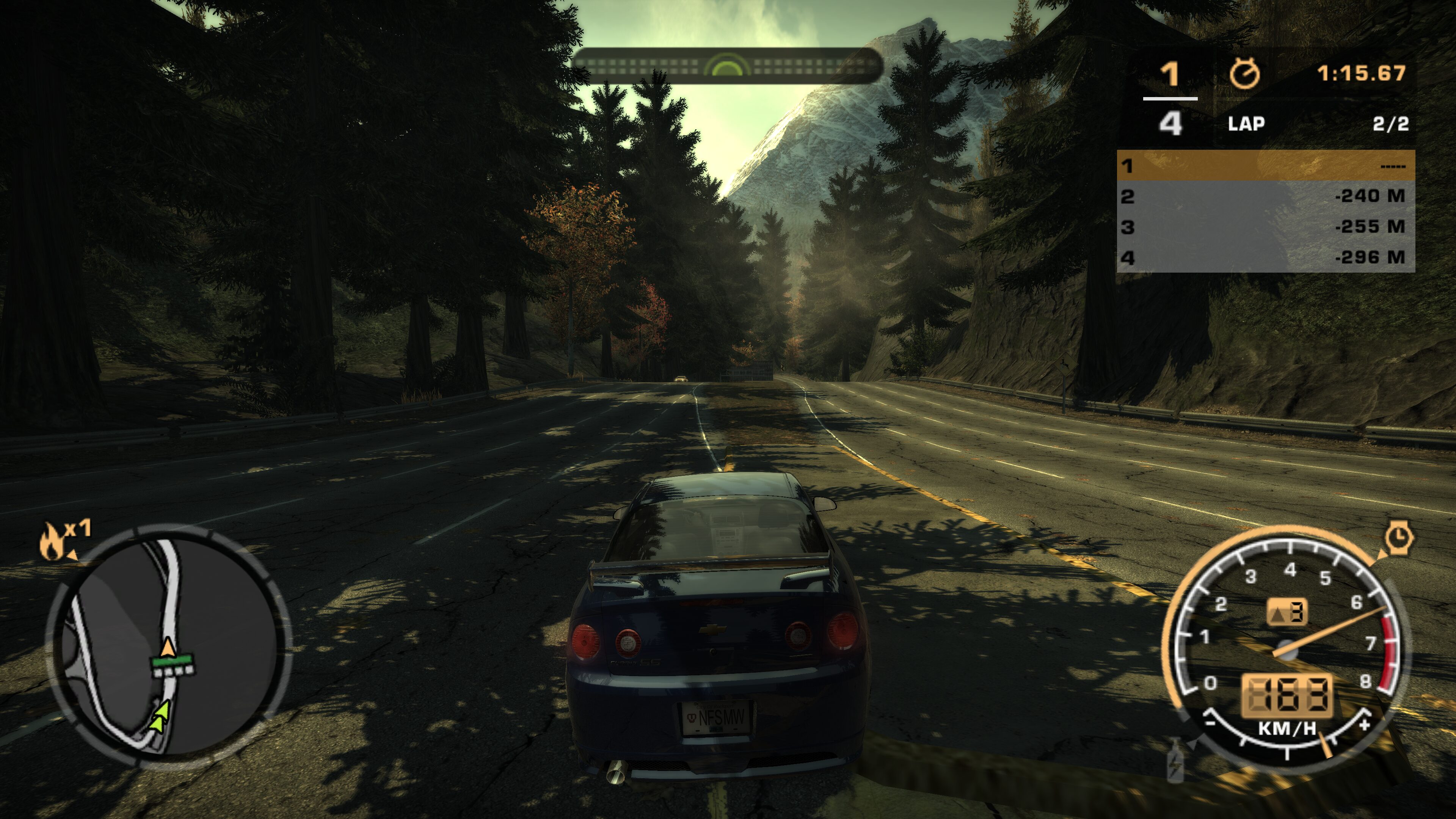
Contents of the Premium Mod Pack
Most elements can be customized using the .ini files found in the Scripts folder.
- NFSMWMotionBlurController – control motion blur (reduced by default, can be customized)
- NFSMWHUDAdapter – ensures proper HUD layout for different resolutions
- NFSMWHDReflections – enhanced reflections on roads and cars
- NFSMWFEShadows – improved shadows
- NFSMostWanted.XboxRainDroplets – adds visible raindrops on the screen
- NFS_XtendedInput – full controller support
- NFSMostWanted.WidescreenFix – widescreen display support with additional settings
- Improved traffic vehicle textures
- Improved car vinyls
- Xbox 360 Stuff Pack [v3.2 Beta] – adds the majority of visual upgrades and brings back Xbox 360 effects
- Texture pack compatible only with the Xbox 360 Stuff Pack – significantly better than the basic version but not compatible with it
All files come preconfigured; editing them is entirely optional.
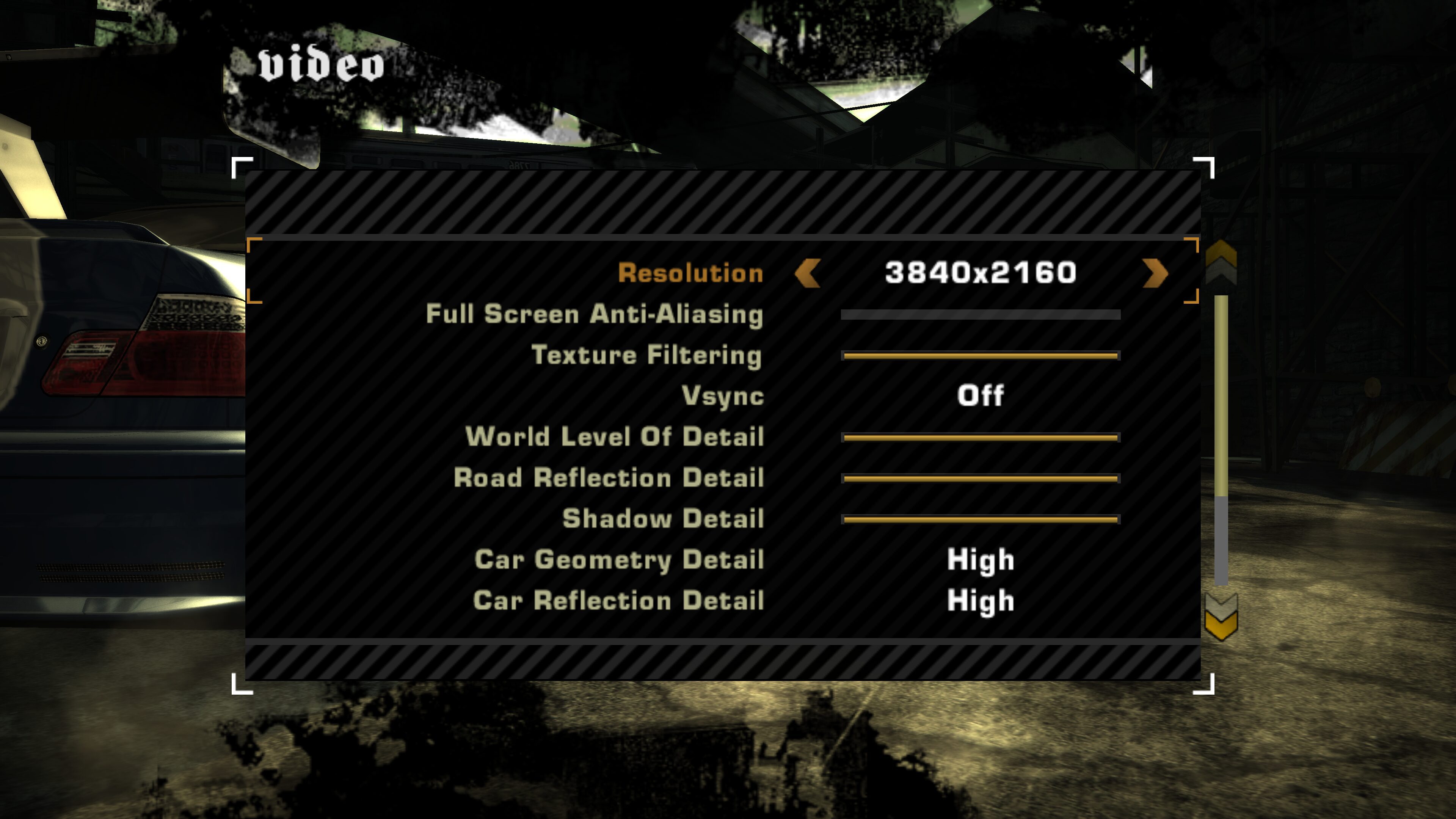
Changing Graphics Settings
Regardless of which mod version you choose, it’s worth adjusting your graphics settings in Options > Video. When playing with a gamepad, the button icon for “Advanced Options” might not appear — press 2 on your keyboard or X on your controller to open it.