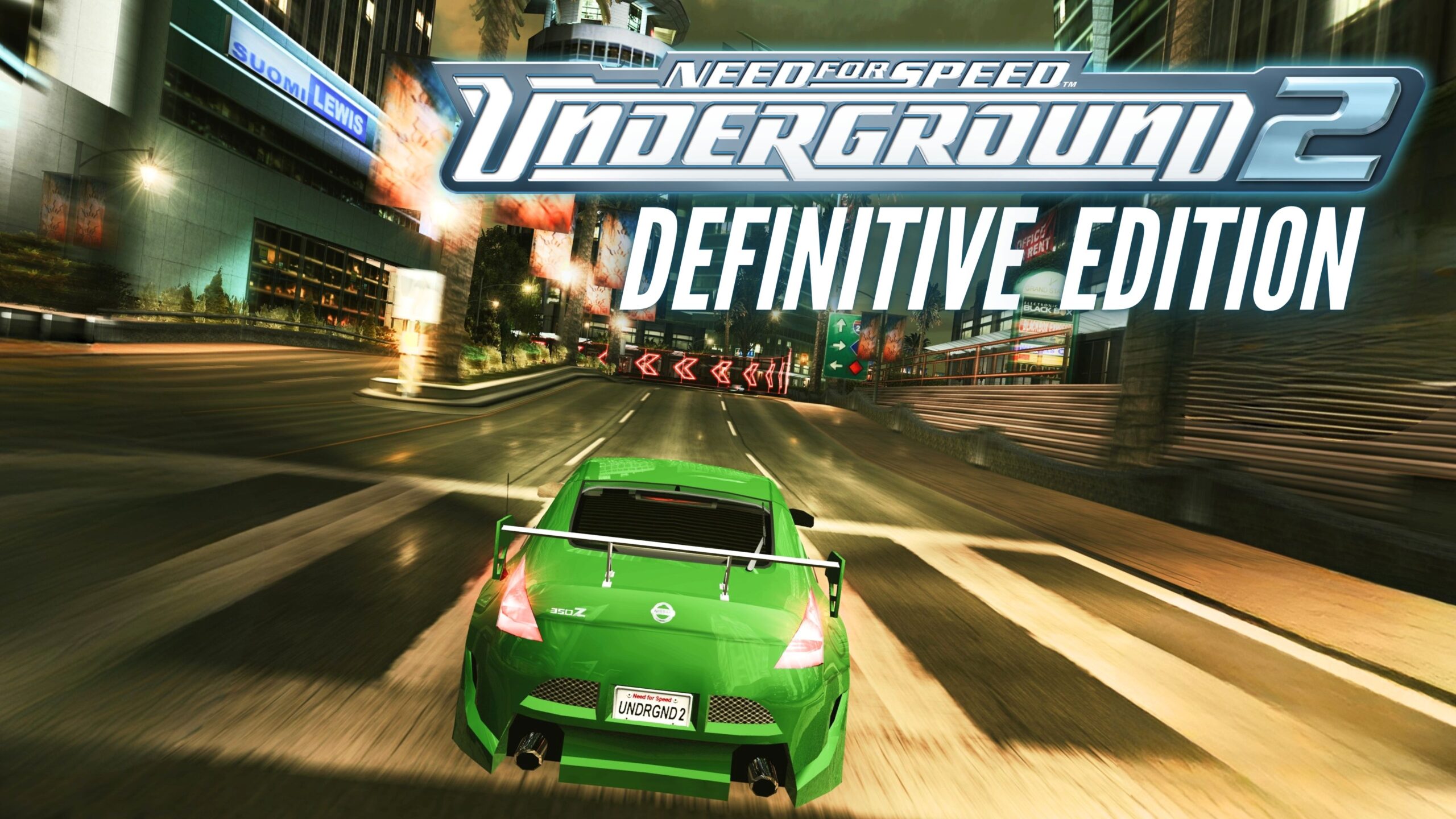
Need for Speed Underground 2 is legendary. But let’s be honest—trying to play it on modern hardware today can be rough. The textures are often blurry, the resolution gets stretched, and Bayview just doesn’t look as crisp as you remember.
But what if you could make the game look like a modern racer without ruining that classic 2000s atmosphere? Today, I’m sharing the ultimate Need for Speed Underground 2 Modpack.
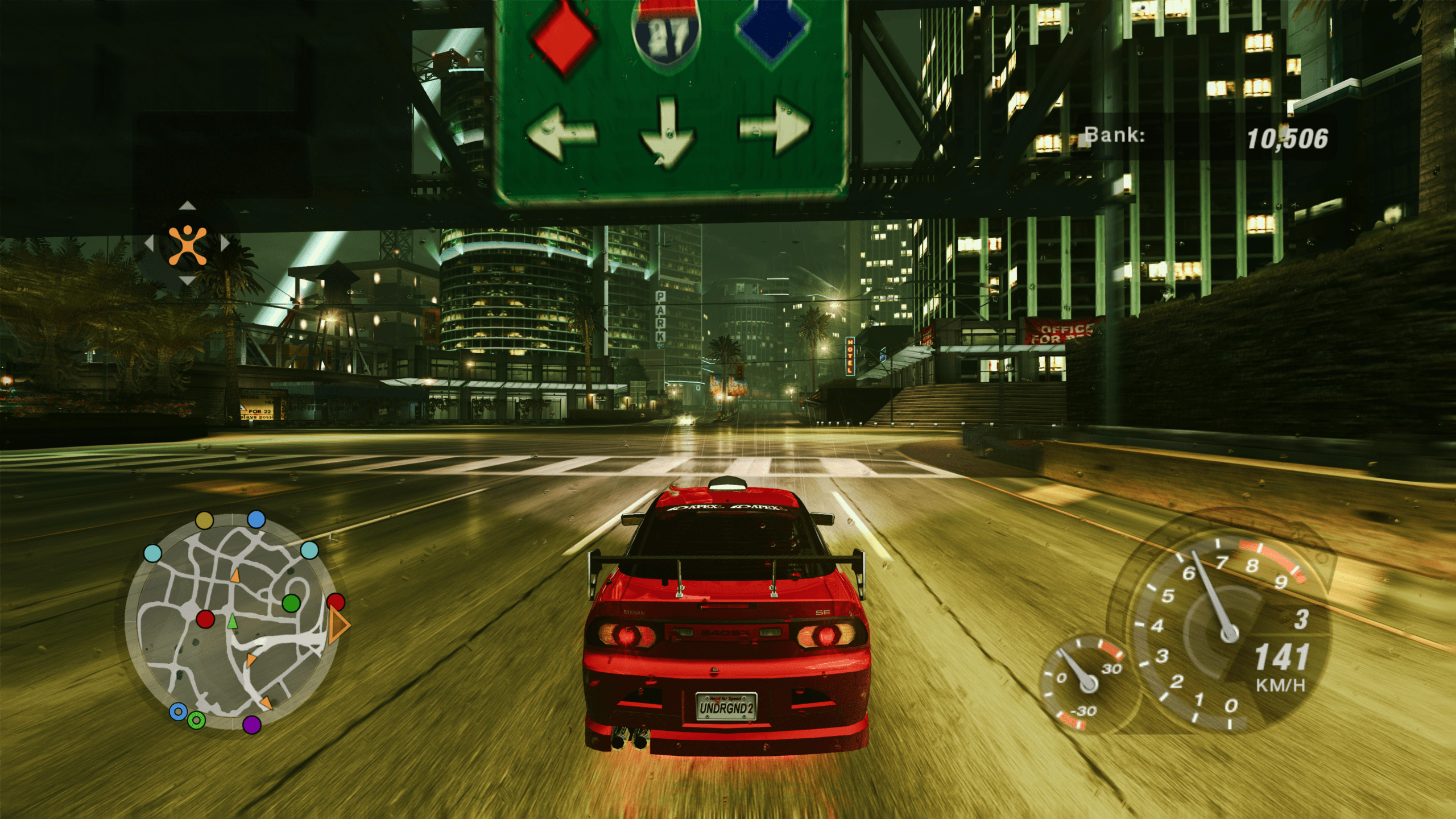
What is the “Faithful Enhancement” Modpack?
This pack is all about “Faithful Enhancement.” We aren’t changing the iconic art style; we are simply polishing it. This Need for Speed Underground 2 Modpack brings the classic game into the modern era while keeping the nostalgia intact.
Here is what you can expect:
- High-Resolution Textures: Sharp, clean visuals that respect the original design.
- Native Widescreen Support: No more stretched cars; play in true 16:9 or ultrawide.
- Enhanced Atmosphere: Realistic rain effects, better reflections, and 8K sky textures.
- Tweaked Motion Blur: Improved sense of speed that was missing from the base game.
Modern Quality of Life Features
It’s not just about looks. This modpack fixes the biggest headaches associated with running retro games on new hardware.
- Full Controller Support: Get full gamepad support right out of the box. No third-party remapping software is needed.
- Fast Travel System: You can now teleport directly to events, shops, and hidden spots. Say goodbye to driving across the entire city just to change the spoiler. It’s optional!
Whether you are on a high-end PC, a handheld, or the Steam Deck, this pack works everywhere.
Important Requirements
To ensure the Need for Speed Underground 2 Modpack works correctly, you must have:
- Need for Speed Underground 2 v1.2 installed.
- A clean installation (European 2 CD version is recommended).
> Note: This should work on most versions, provided they are not broken “RIP” versions downloaded from unreliable sources.
How to Install the Need for Speed Underground 2 Modpack
Ready to race? Follow these simple steps for PC and Steam Deck.
[Download the Mod Pack Here] [2ND MIRROR]
Installation on PC
- Download the modpack files.
- Open your Need for Speed Underground 2 v1.2 game folder.
- Paste the modpack contents directly into the folder, overwriting files if prompted.
- Launch the game.
Installation on Steam Deck
- Install the game and apply the modpack on your PC first (follow the PC steps above)
- Copy the entire, modded game folder to your Steam Deck (via USB, cloud storage, SSH, or SD card).
- Perform these steps in Desktop Mode:
- Right-click the executable file (see launch options below) and select “Add to Steam.”
- Find the game in your Library under “Non-Steam Games.”
- Open Properties > Compatibility and check “Force the use of a specific Steam Play compatibility tool.” Select Proton Experimental.
(here is detailed guide if you don’t know how to set Proton Experimental based on NFS Most Wanted Guide)
- Ensure your gamepad layout profile is active, and launch the game.
Choosing Your Launch Option
You will see two different executable files. Choose the one that suits your needs:
- Option A:
speed.exe- Pros: Very fast startup.
- Cons: Does not include the enhanced environment textures.
- Option B:
NFS_Underground 2.exe- Pros: Significantly better textures and visuals.
- Cons: Startup time is approximately 2 minutes.
- > Important: When using Option B, it may look like nothing is happening. The game is loading high-res textures in the background. Please wait, and it will start.
Changing the resolution
Game should run at your native resolution. If not, change it in \SCRIPTS\NFSUnderground2.WidescreenFix.ini
and put you res at:
ResX = 0
ResY = 0
Included Mods List
For the curious, here is the technical breakdown of what is included in this Need for Speed Underground 2 Modpack:
- Visuals: U2LastBreathTextures, 8K Sky Textures, NFSU2HDReflections, NFSUnderground2.XboxRainDroplets.
- Fixes: NFSUnderground2.WidescreenFix, NFSU2HUDResizer.
- Gameplay: NFSU2FastTravel, NFSU2ExtraOptions, NFSU_XtendedInput.