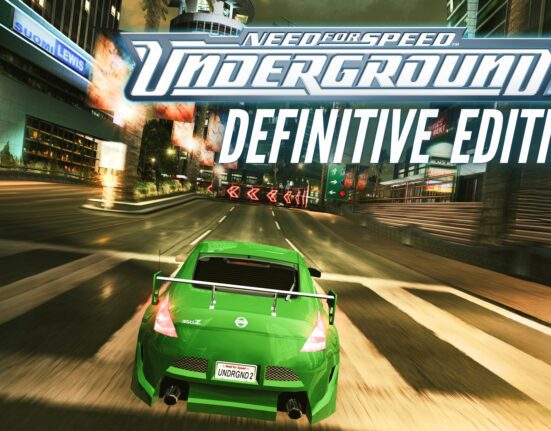

If you’d like to revisit the classic Need for Speed Underground (2003) on PC or Steam Deck, I’ve put together a small mod pack that slightly refreshes the game and makes it run smoothly on modern systems. It’s still the same iconic Underground with its nighttime street racing and tuning atmosphere — just a bit nicer and more comfortable to play.
The pack includes improved textures, widescreen support, enhanced lighting, better controller compatibility, and a few small technical fixes. It doesn’t change the core game, but it noticeably improves both the visuals and overall experience.

How to run Need for Speed Underground on PC and Steam Deck?
Download link for the mod pack is available here.
On PC, simply paste the mod pack contents directly into your Need for Speed Underground 1.4 game folder.
For Steam Deck, copy the installed Need for Speed Underground 1.4 folder (with mods applied) to the device via USB, cloud storage, SSH, or SD card. The exact location doesn’t matter. The entire process should be done in Desktop Mode.
You have two launch options:
– via speed.exe – faster startup, no enhanced environment textures
– via Need for Speed Underground.exe – significantly better textures, game startup time is about 20 sec. It may seem like nothing is happening, but the game is loading in the background — just wait and it will start.
On Steam Deck, right-click one of the above executable files and select “Add to Steam.” Then find the game under “Non-Steam Games” in your library and force it to use Proton Experimental in its properties. If you don’t know how to do this, take a look at this Need for Speed Most Wanted Modpack Guide with full details.
Then just launch the game — it should run without any problems. On Steam Deck, make sure your gamepad layout profile is active.
Some other tips
- Need for Speed Underground has very intense reflections and motion blur – you can turn it off or reduce effects in graphics options.
- If there are any issues with TexMod on Windows, make sure to set TexMod\Texmod.exe with administration rights
- Saves are stored in “save” folder
- If there is something wrong with resolution, just edit NFSUnderground.WidescreenFix.ini in “scripts” folder.
NOT COMPATIBLE WITH STEAM DECK - RESHADE
I've added optional reshade with some custom lighting effects like adaptive tonemaper and ambient lighting, I like It a lot. If you wanna try it, just extract RESHADE - OPTIONAL.zip to the game folder

Contents of the Need for Speed Underground Steam Deck and PC Modpack
- Redux Texture Pack
- NFSU_XtendedInput
- NFSUHDReflections
- SilentPatchNFSUG
- Better car textures
- NFSUnderground.WidescreenFix