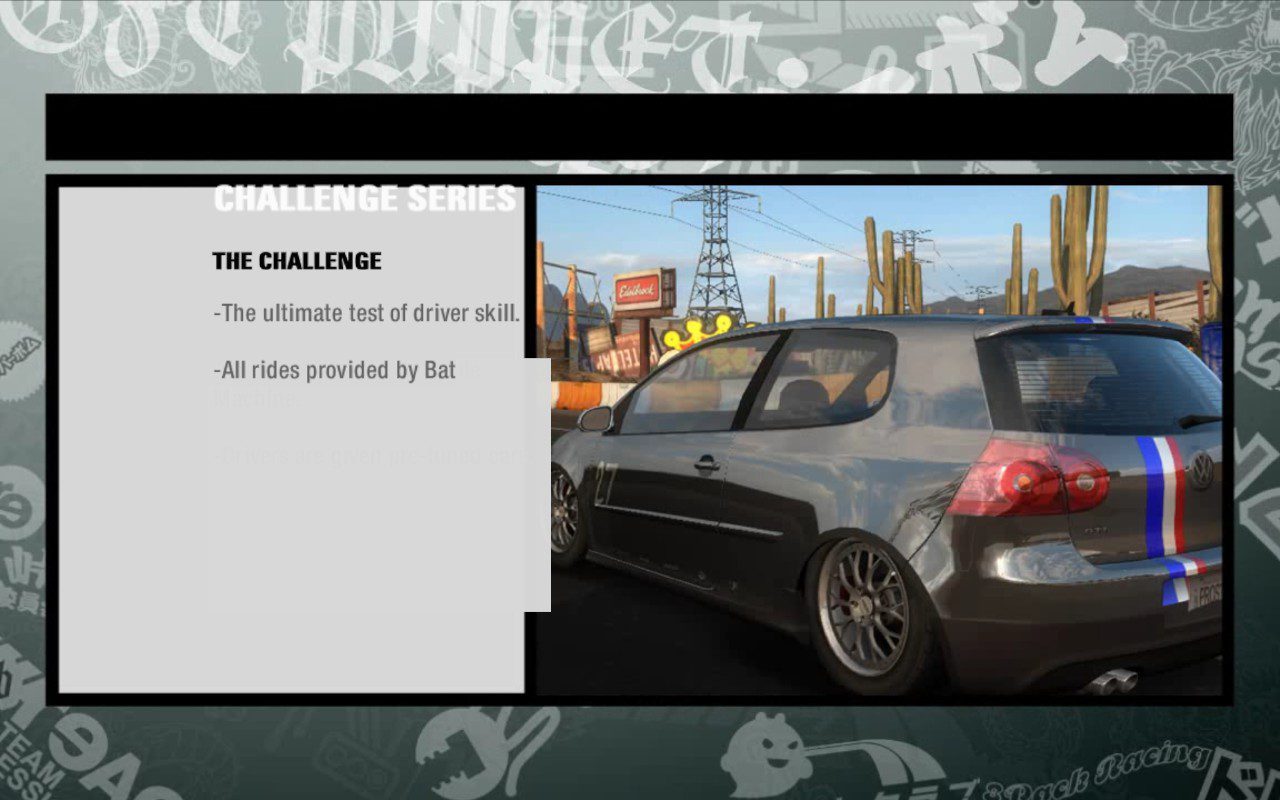

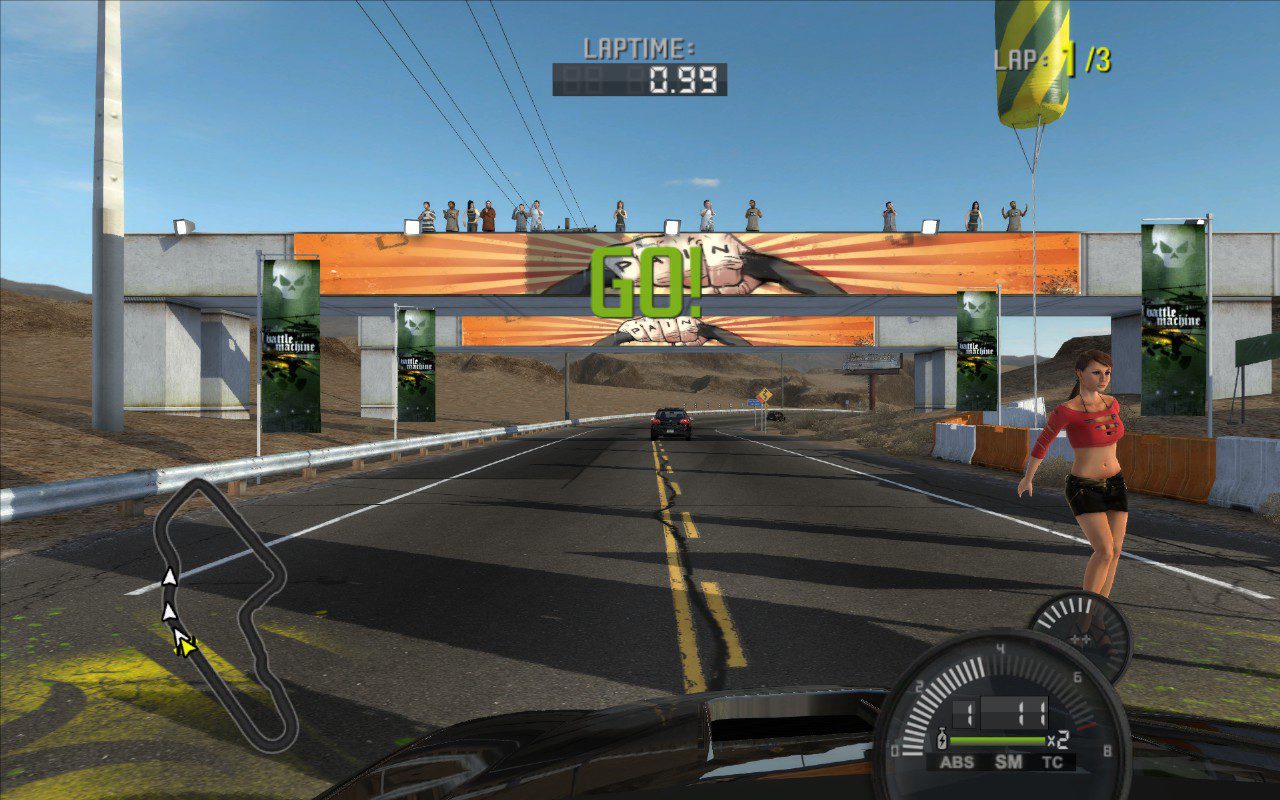
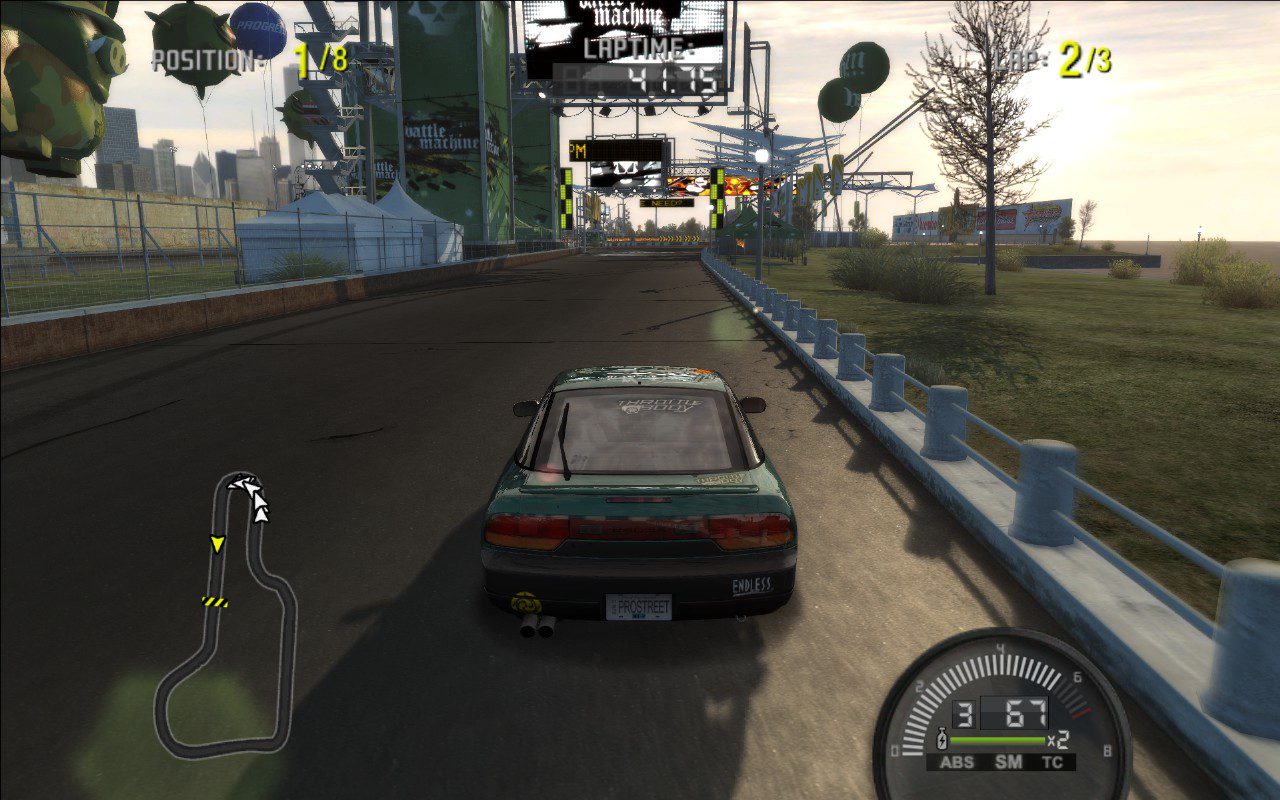
Need for Speed Pro Street can be quite problematic on the Steam Deck, but with this guide, you can achieve smooth performance, improved graphics, full controller support, and, most importantly, stable gameplay. Similar to my previous mod compilations, this package respects the original vision of the developers and does not alter core gameplay.
What’s included in the Need for Speed Pro Street mod pack?
- NFSProStreet.GenericFix – the core component that improves game stability, manages save files, and more.
- NFS_XtendedInput – full gamepad support, including icons, analog throttle, and brake.
- NFSPSHDContentSupport – HD game menus.
- NFSPSHDReflections – enhanced reflections on cars.
- NFSPSHUDAdapter – improves interface scaling.
- Preconfigured files required for running the game on Steam Deck and PC.
How to install Need for Speed Pro Street on Steam Deck
The game is no longer sold and was never available digitally, so if you don’t already own it, you’ll need to find a physical copy. While you could connect an optical drive to the Steam Deck and install directly, I recommend installing it on a Windows PC first, then transferring the entire game folder to the Valve device in desktop mode.
Before doing this, make sure to apply patch 1.1, which is mandatory for proper functionality. Without it, several issues may occur.
Important – avoid downloading unknown packages from the internet, as they often had issues with NFS Most Wanted, Carbon, and Underground 2. This modpack works reliably with the official physical version.
Need for Speed Pro Street Steam Deck Modpack 1.1 DOWNLOAD LINK
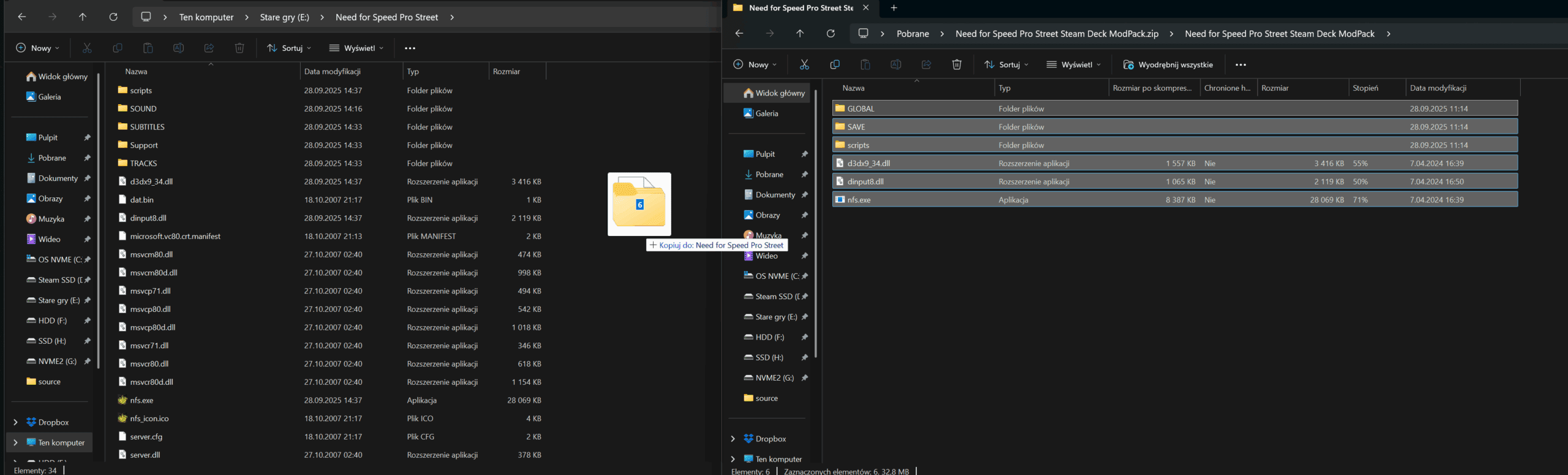
Next, copy the contents of the mod pack into the game folder. Then, add NFS.exe as a non-Steam game.
Additionally, I recommend installing a mod that improves the in-game camera behavior. There are two available options:
- Standard
The standard version globally fixes the cameras: no more camera shake, increased sharpness and view distance during acceleration and NOS activation. Cameras become more stable and “calm.” - Extended
The extended version includes all features of the standard one and also adjusts the height, distance, and angle of both near and far cameras.
The bumper camera now has a constant field of view (FOV), similar to the hood camera.
The hood camera is centered and does not rotate in corners.
Several minor tweaks are also included.
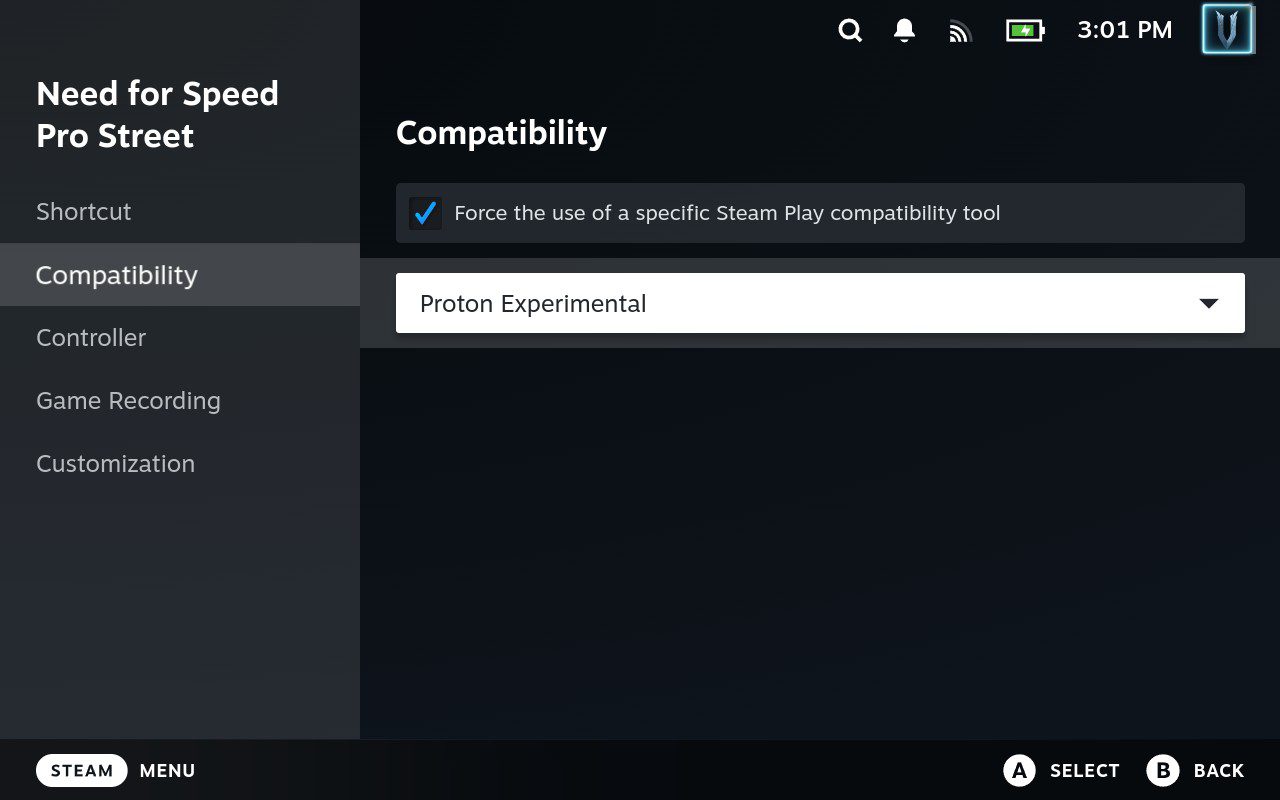
While in desktop mode, it’s recommended to rename the game to Need for Speed Pro Street for easy cover downloads via the SteamGrid plugin, and enable Proton Experimental (used in my testing) under the Compatibility tab.
Adding command is no longer necessery if you use PROTON EXPERIMENTAL
If you want, here is old command:
Command to copy and paste: WINEDLLOVERRIDES=”dinput8=n,b;d3dx9_34=n,b” %command%
You can now switch to Gaming Mode and launch the game. I also recommend forcing a 1920×1200 resolution for better image quality without performance loss, though this will reduce battery life. The choice is yours.
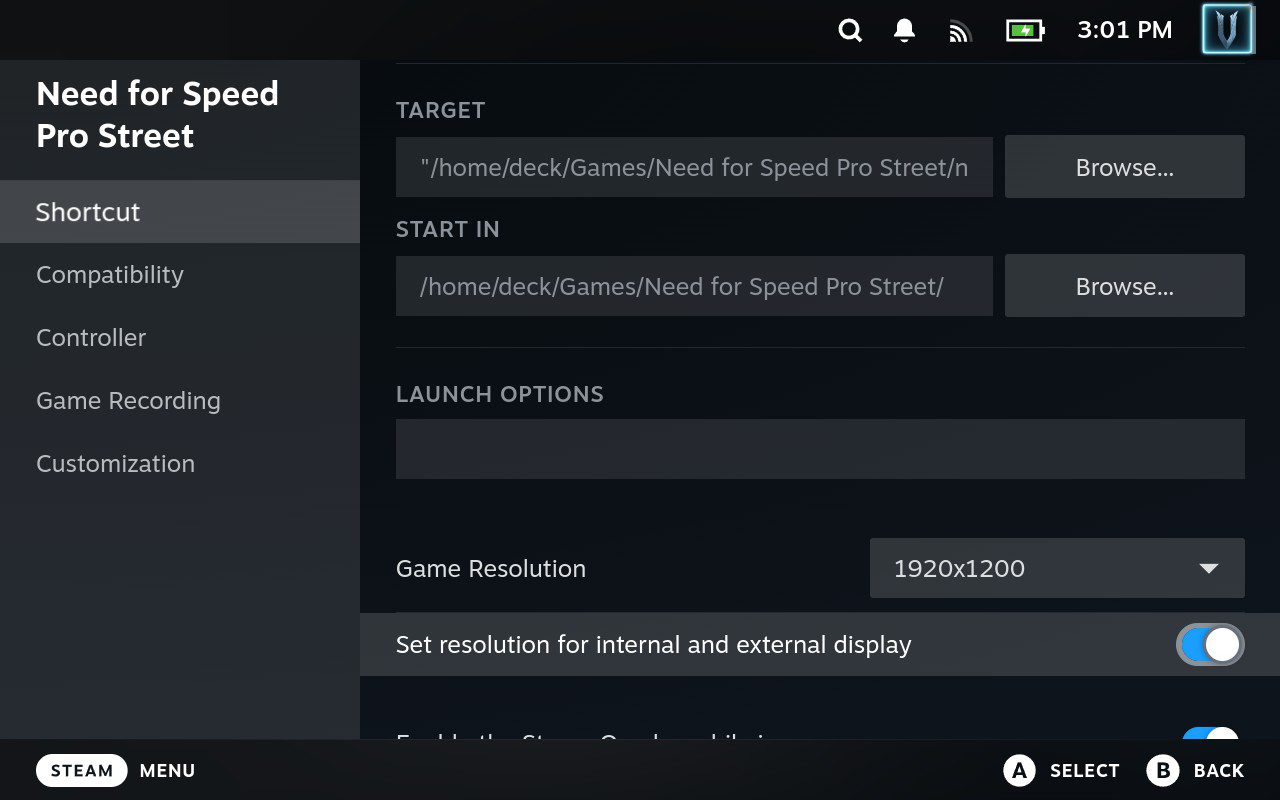
Additional configuration settings
For graphics settings, I recommend enabling maximum details, except for anti-aliasing, which should be set to 2x at 1920×1200. Play at 60 FPS/60Hz.
I also recommend remapping controls, as the default layout has gear shifting on the right analog stick, nitro on B, and handbrake on A (similar to PS2/Xbox 360 layouts).
Be sure to disable the leaderboard overlay, as it covers a third of the screen. Navigate to Options > Interface > Leaderboards.
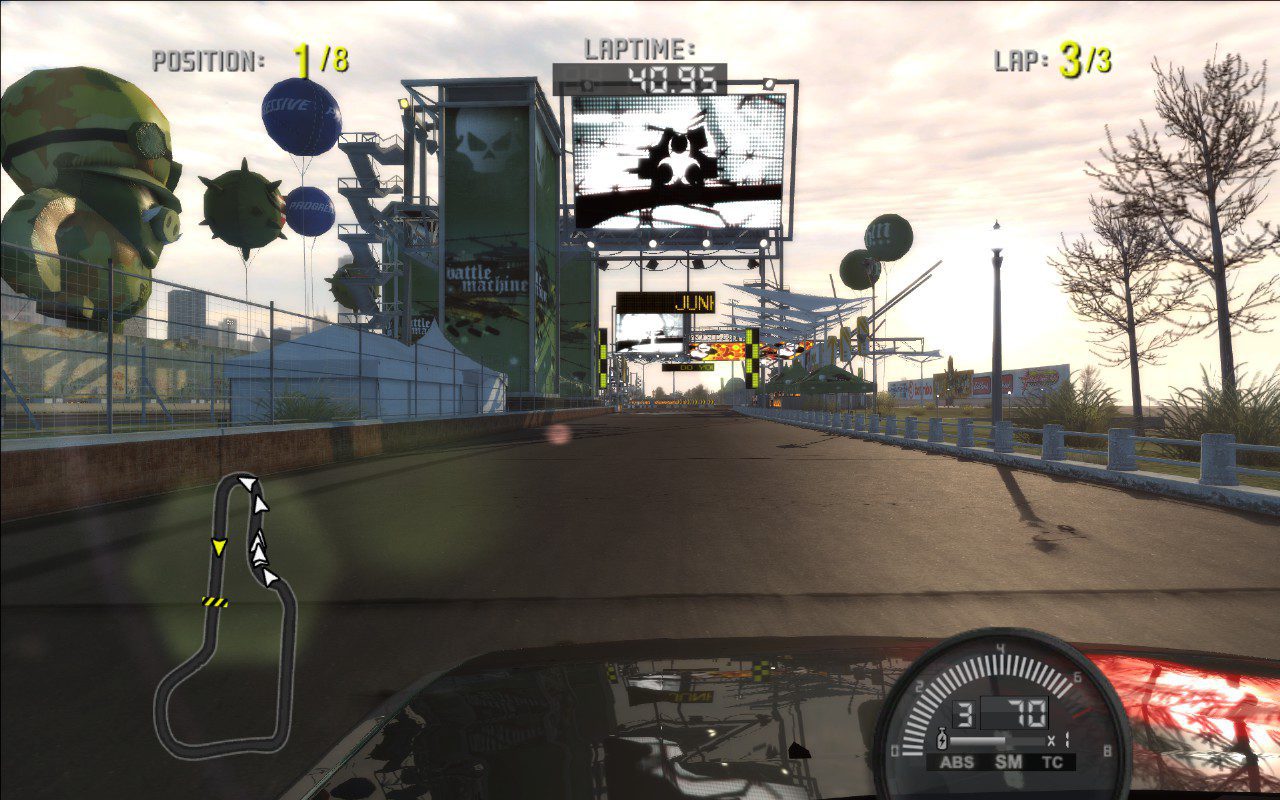
Known issues
I tested this mod pack briefly, completing several campaign races without major issues. The only minor problem observed was misaligned text in cutscenes introducing new racing disciplines. These are few and likely nonessential. This can be fixed by forcing a 16:9 resolution (e.g., 1280×720 or 1920×1080), which will add black bars at the top and bottom of the screen. If you encounter other issues, please leave a comment.